Printing
Photo booth printing on Mac with the DNP DS-RX1HS: 4x6 prints and 2x6 strips
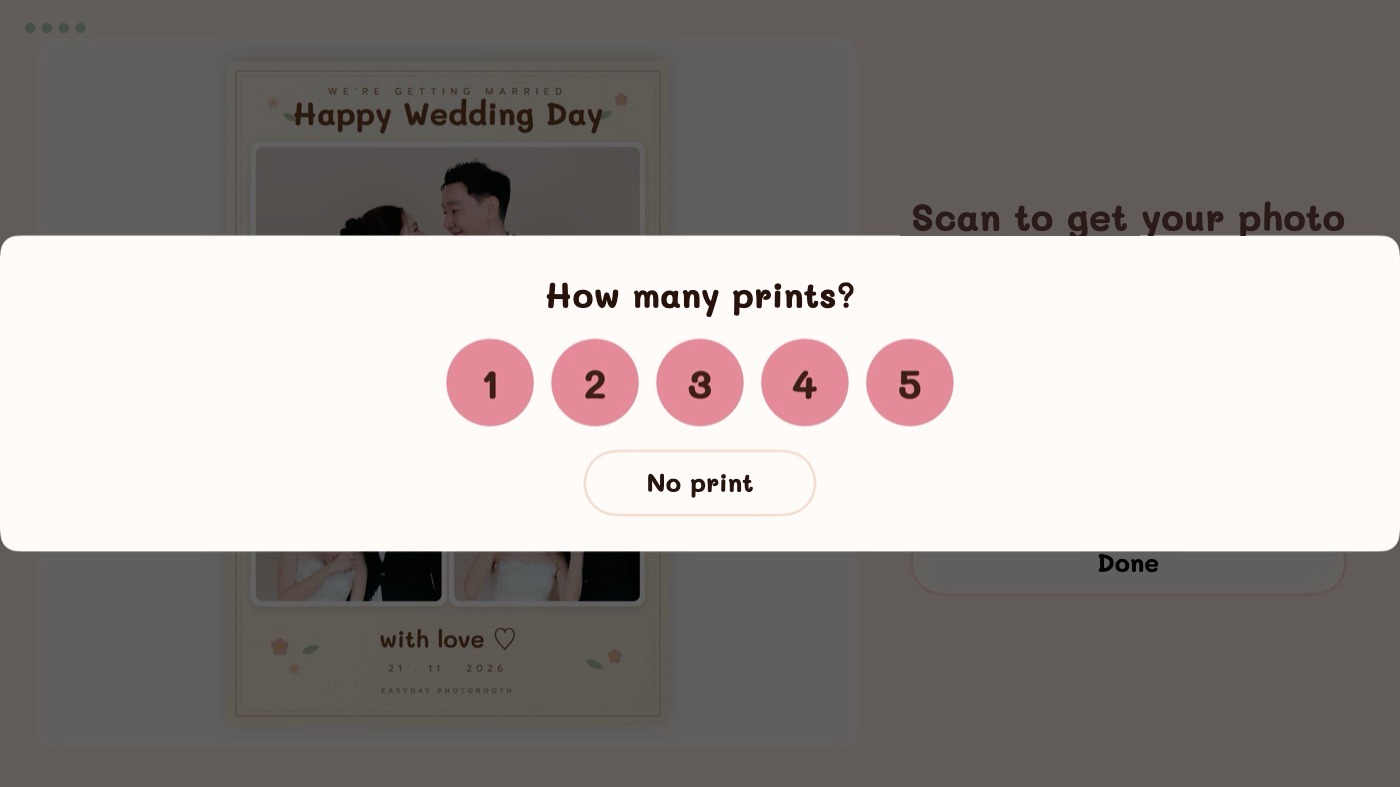
Daylabooth prints straight from the booth to a DNP DS-RX1HS dye-sub photo printer. Guests choose how many prints they want, within the limit you set.
- 4x6 prints and 2x6 strips: two strips are printed on one 4x6 sheet and cut automatically
- A 4x6 frame designed as two strips can be cut in half too, counted as 1 sheet = 2 prints
- Portrait and landscape (6x4, 1800×1200) frames
- Prints are made from the full-resolution originals, sharpened only on the photos
- Adjust print margins in the app, no need to edit your frame files
When the printer has a problem mid-event
Cover open, paper out or ribbon out: staff get an alert, the print jobs wait in the queue and finish on their own once the printer is ready again. Nothing is lost if the paper runs out.
Need another copy later? Reprint any round from the staff gallery on the Mac, or let guests reprint from the Daylashare iPad station (prints queued from the iPad are capped at 10 sheets).
Which printers work?
The DNP DS-RX1HS, with 4x6 prints and 2x6 strips with automatic cut. No printer at an event? Prints can be saved as files instead.
Step-by-step guides: DNP RX1HS guide: 4x6, 2x6 strips, driver setup and fixes · Photo booth frame PNG: what size, and how to make one in Canva.
Frames that fit the print
Design your frame in Canva or Photoshop with transparent windows and drag the PNG into the app. The photo slots are found and ordered for you; adjust them, then preview the exact print before the event.
Try Daylabooth at your next event
Photo booth software for Mac · a full 7-day free trial, no card needed