Photo booth software for Mac
Photo booth software for Mac: shoot, print and share, even offline
Daylabooth is photo booth software for Mac (Apple silicon, macOS 14 or later). It controls a Canon EOS R8 or EOS R6 Mark II over USB and prints 4x6 and 2x6 strips on a DNP DS-RX1HS. Shooting, printing and the guest QR work offline, the cloud gallery is included, and you can use it free with a watermark or claim a full 7-day trial.
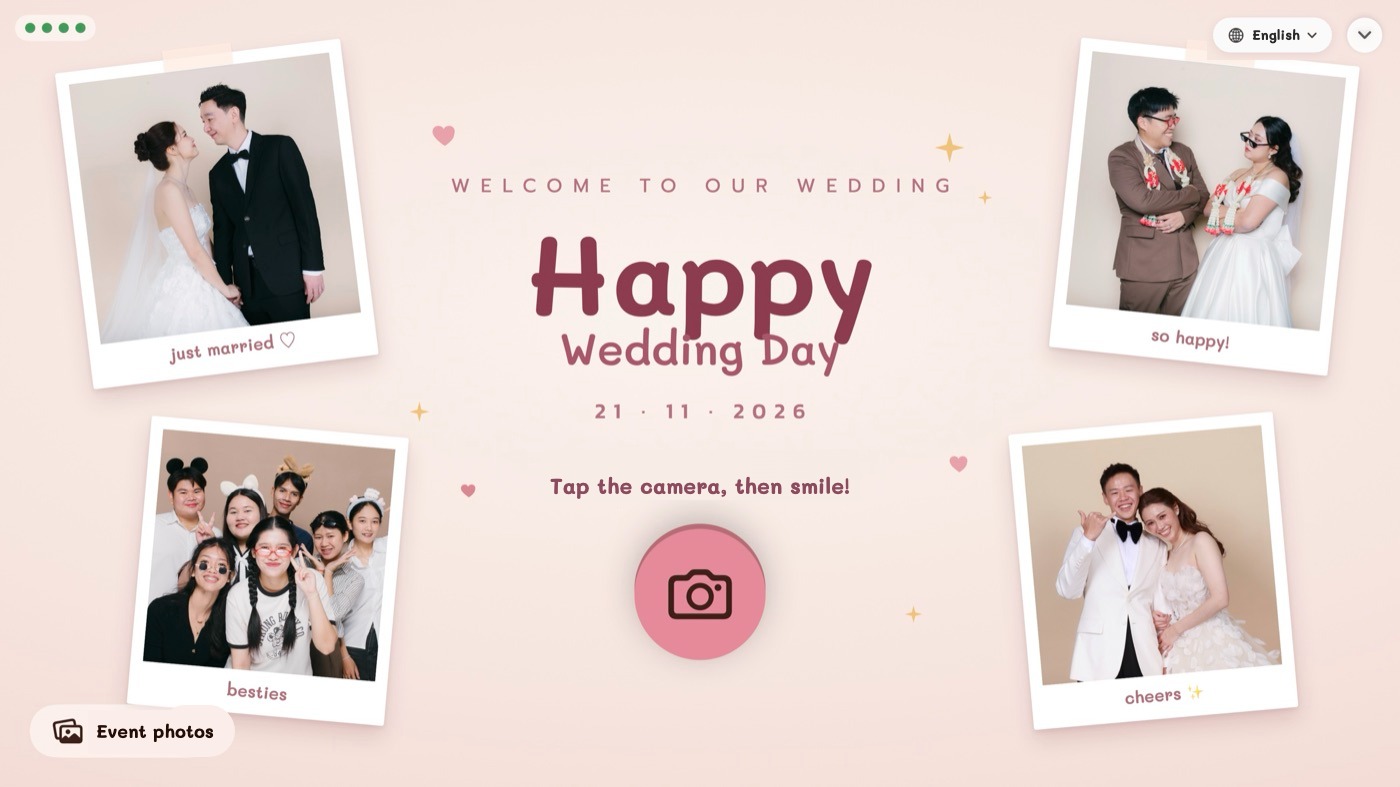
Daylabooth is photo booth software made for the Mac, by a team that rents out photo booths. One MacBook runs the whole booth: it controls the camera, frames every photo, prints it on a DNP printer and gives guests a QR for their copy. Everything happens on the Mac, so the booth keeps going when the venue Wi-Fi doesn't.
- Native Mac app for Apple silicon (M1 or later), macOS 14 or newer
- Canon EOS R8 and EOS R6 Mark II over USB, or a webcam
- Prints 4x6 and 2x6 strips on a DNP DS-RX1HS
- QR, GIF and a cloud gallery for guests, included in every paid plan
- Free forever with a watermark, plus a full 7-day trial with no card
Why run your photo booth on a Mac?
- A MacBook Air is light, quiet and runs a full event on one setup: guest screen on a monitor, staff controls on the Mac
- Photos are saved on the Mac's disk, and a card in the camera can keep a second copy
- Force-quit or a restart mid-round doesn't lose photos: the booth picks up where it left off
- The app is signed and notarized by Apple and updates itself from inside the app
How does it handle the camera, frames and printing?
- Smooth live view, countdown, retake any shot, or photographer mode where you fire the shutter on the camera (Canon camera control)
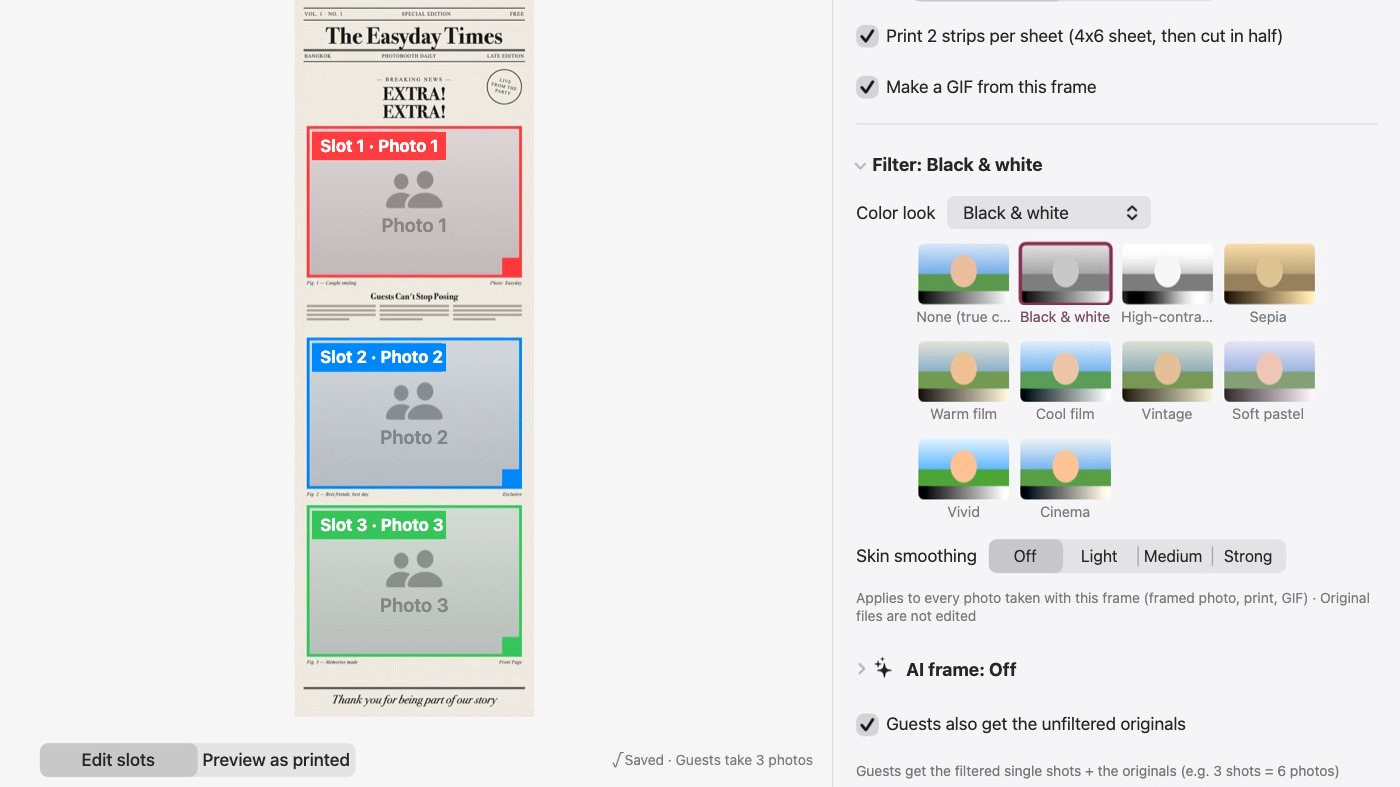
- Drag in a PNG frame from Canva or Photoshop and the photo slots are found for you
- Prints built from full-resolution originals; 2x6 strips cut automatically (printing)
- Film looks, your own .cube LUTs and AI frames (filters)
Can guests get their photos without Wi-Fi?
- A QR on the booth screen every round, shown instantly even offline
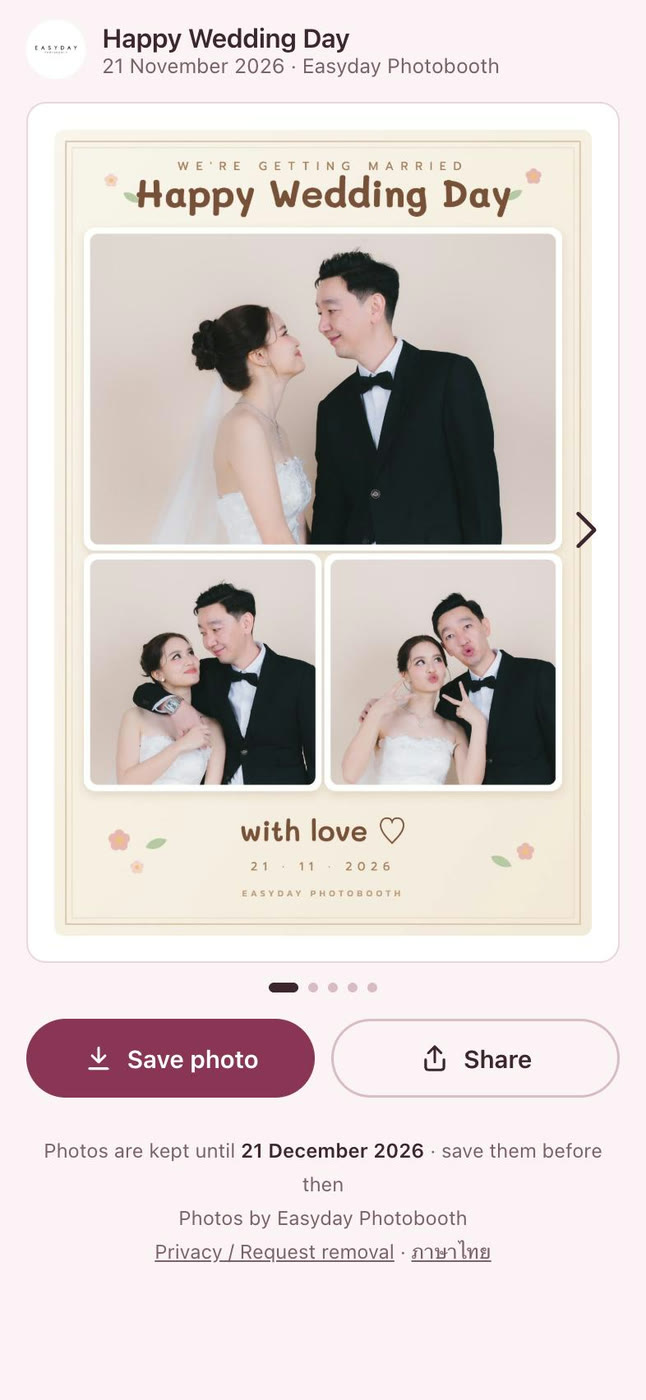
- Guests get the framed photo, a GIF and every single shot on their phone (QR sharing)
- Photos upload by themselves when the internet comes back
- Optional iPad station next to the booth for AirDrop and reprints (Daylashare)
How much does Daylabooth cost?
$6.99 for 7 days, $13.99 a month (launch price for sign-ups by 31 Jan 2027) or $136.99 a year. Every paid plan includes the cloud gallery and up to 2 Macs running at the same time. See pricing.
Which Mac, camera and printer?
An Apple silicon Mac (M1 or later) with macOS 14 or newer; Intel Macs aren't supported. Cameras: the Canon EOS R8 and EOS R6 Mark II are tested, plus webcams. Sony and Nikon support is built but not yet tested with real cameras. Printer: the DNP DS-RX1HS. A Windows version is in testing.
Still choosing?
Read how to choose photo booth software for Mac (a checklist of what to test), Apple's Photo Booth app vs event software, and photo booth software free trials compared.
Frequently asked questions
Is there free photo booth software for Mac?
Daylabooth is free forever with a watermark on photos and prints; you only need a free shop account, no card. A full 7-day trial removes the watermark for an event. See free photo booth software for Mac.
Does it work on a MacBook Air?
Yes, on any Apple silicon MacBook Air (M1 or later) with macOS 14 or newer.
Does it need internet at the event?
No. Shooting, framing, printing and the QR all work offline. Photos reach the guest page once the internet is back.
Which cameras does it work with?
The Canon EOS R8 and EOS R6 Mark II are tested over USB, and webcams work too. Sony and Nikon support is built but not yet tested with real cameras.
Which printer does it use?
The DNP DS-RX1HS, for 4x6 prints and 2x6 strips (two strips per sheet, cut automatically).
How do guests get their photos?
They scan the QR shown on screen after every round and get the framed photo, a GIF and the single shots from the cloud gallery included in every paid plan.
How much does it cost?
$6.99 for 7 days, $13.99 a month (launch price for sign-ups by 31 Jan 2027) or $136.99 a year, for up to 2 Macs.
Try Daylabooth at your next event
Photo booth software for Mac · a full 7-day free trial, no card needed